In the digital era, payment methods through Virtual Accounts (VA) have become one of the favorite choices for many individuals and companies. The process is fast, secure, and can be tracked automatically, which is why this system is widely used by e-commerce platforms, fintech companies, and educational institutions. One bank that provides a reliable VA service is Bank Central Asia (BCA).
This article will thoroughly discuss how BCA Virtual Accounts work, their features, benefits, and examples of how they are used. Read until the end!
What Is a BCA Virtual Account?
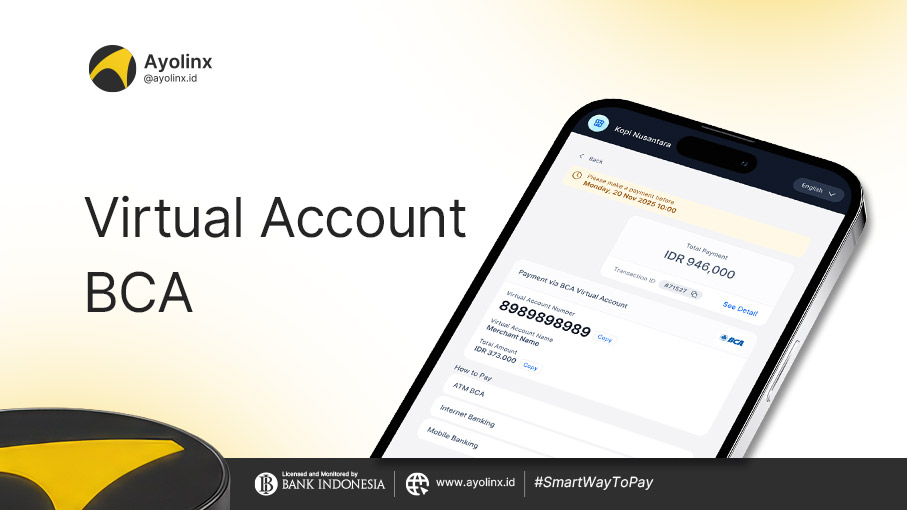
A BCA Virtual Account is a virtual account used by companies (Company Partner) to receive payments from customers automatically and in an identifiable way. Customers receive a unique number (VA) to make payments, and the system directly records the transaction.
How BCA Virtual Accounts Work
The BCA Virtual Account system works on the principle of automatic identification. Every time a customer makes a payment to the assigned VA number, the BCA system will, in real time:
- Record the transaction
- Identify who made the payment
- Send notifications to the receiving company (Company Partner)
This process eliminates the need for companies to manually check customer transfers.
Benefits of BCA Virtual Accounts
Using BCA Virtual Accounts provides various advantages for both companies and customers, including:
- 24/7 Transactions: Payments can be made anytime without being limited by bank operating hours.
- Real-Time Notifications: The company immediately receives transaction success notifications once the customer completes the payment.
- Easy Reconciliation: Since each transaction has a unique identity, the data matching process becomes faster and more accurate.
- Daily Reports: Companies can access daily transaction reports through various BCA e-channels.
Features of BCA Virtual Accounts
BCA provides several features that support the convenience and flexibility of VA services:
- VA Number Structure
- Maximum of 23 digits
- The first 5 digits are a unique company code
- The remaining digits can be customized by the company to identify specific customers or transactions.
- Types of VA Services
- BCA Virtual Account
- BCA Online Virtual Account
- Transaction Currency
- Available only in IDR (Indonesian Rupiah)
- Supported Billing Types
- Bill Fixed Amount (fixed amount)
- Bill Variable Amount (customer can enter any amount)
- No Bill (without a specific billing amount)
- Payment Channels
- BCA e-channels (ATM, KlikBCA, myBCA, BCA mobile, BCA API, etc.)
- Other banks/financial institutions via BI-FAST, LLG, RTGS, online transfer, inward remittance
- Third parties partnered with BCA
Transaction Reports
Companies can access transaction reports through BCA e-channels for administrative and auditing purposes.
Examples of Using BCA Virtual Accounts
For example, an online course institution provides subscription-based learning services. When a student registers, the system generates a unique Virtual Account number under the student’s name. When the student makes a payment:
- The funds go directly into the company’s account
- The system immediately records the student’s payment without any manual verification process
- The student automatically gets access to the purchased class
Another example is e-commerce platforms using VA for checkout payments, or fintech companies using it for installment payments.
How to Make Payments to a BCA Virtual Account
To make a payment to a BCA Virtual Account, customers can follow these steps:
Via BCA Mobile:
- Open the BCA mobile application
- Select the m-BCA menu, then enter your PIN
- Choose m-Transfer > BCA Virtual Account
- Enter the VA number (usually provided by the merchant)
- Check the account name and billing amount
- Confirm and enter your PIN to complete the transaction
Via KlikBCA Individual:
- Log in to KlikBCA
- Select Fund Transfer > Transfer to BCA Virtual Account
- Enter the VA number and amount (if required)
- Continue the confirmation and authorization process using KeyBCA
Via BCA ATM:
- Insert your card and enter your PIN
- Select the menu Transaksi Lainnya > Transfer > Ke Rek BCA Virtual Account
- Enter the VA number
- Check the details, confirm, and complete the transaction
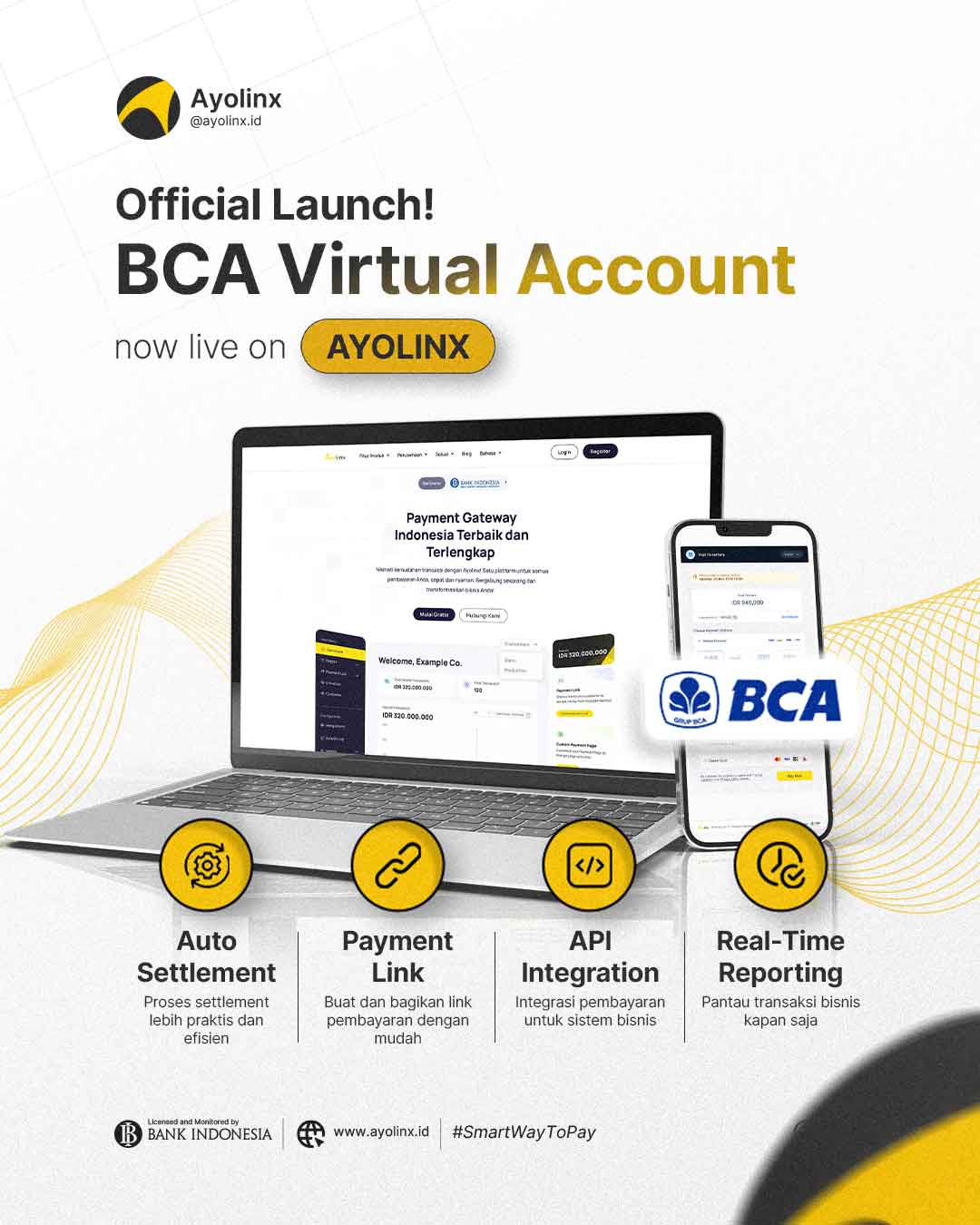
Virtual Account BCA adalah solusi pembayaran yang cepat, akurat, dan efisien untuk berbagai kebutuhan bisnis. Mulai dari bisnis kecil, menengah, hingga perusahaan besar, metode ini dapat membantu mempercepat cash flow dan membuat pengelolaan keuangan jadi lebih rapi.
Kini, Ayolinx sudah menyediakan BCA Virtual Account untuk membantu bisnismu menerima pembayaran dengan lebih mudah. Dengan BCA VA Ayolinx, pelanggan bisa membayar lebih praktis, sementara setiap transaksi dapat dipantau langsung melalui dashboard Ayolinx.
Jadi, tunggu apa lagi? Yuk, daftar Ayolinx sekarang dan aktifkan BCA Virtual Account untuk memberikan pengalaman pembayaran yang lebih mudah dan nyaman bagi pelangganmu!